
CropSize for iOS Introduces New File Format to Share Programs*
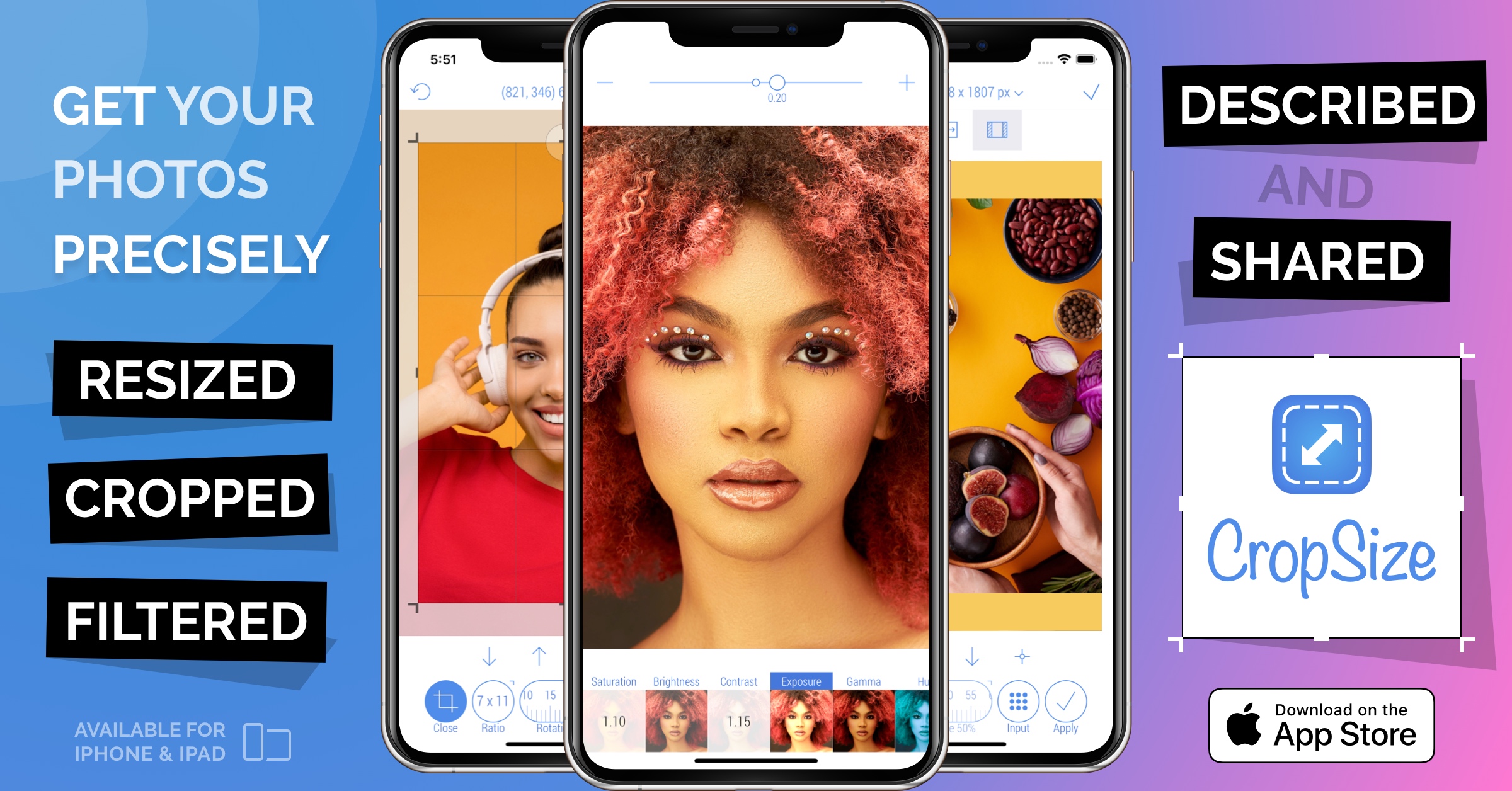
The update 4.2.0 brings a way to share Programs* between devices, and many other important changes to UI, UX and stability.
WARSAW, POLAND, June 28, 2022 /EINPresswire.com/ -- CropSize is a photo resizing and editing app that allows iOS users to precisely crop, resize and edit any single photo or set of photos stored on their device or in iCloud. In addition to its comprehensive cropping and resizing tools, CropSize offers a number of beautiful photo filters and effects, all of which can be applied simultaneously to selected photos. The app also provides tools to view, manage, and add metadata to a photo or batch of photos.(*)Program is a CropSize unique data object that contains a combination of edits, filters, metadata, settings and other changes made by user during an editing session. When a Program is called, it applies all containing changes to a new photo or set of photos. It only needs once to make an editing, store it as a Program and then use this Program as many times as needed to produce new results with the same set of changes. There are no restrictions for an editing session to be saved as a Program, whether it is one-step crop task or a 100-step long editing.
Prior to version 4.2.0, Programs existed only within the application. Since version 4.2.0 it is now possible to share any single Program or all user Programs as a file via Mail, AirDrop, Files, Messenger, and more. This Program's file can be used on the same device or any other device, that has CropSize app installed, to add all Programs stored in it to the user’s collection. This update made it possible to transfer all user Programs from one device to another, back up Programs, or share some essential Programs with friends or colleagues.
The new version also includes many minor and medium changes to the batch processing screen, image file format settings, and overal app stability.
"Since most mobile apps are expected to be more limited and less powerful equivalents to PC and Mac software, I have developed CropSize to counter this statement," explained Aliaksei Khutarshchykau, developer of CropSize. "The app is designed around three basic principles. First, to offer the user as much power, control and information as possible. Then, to make the editing process simple and intuitive. Finally, to provide users with a range of automation tools that can significantly speed up their tasks."
As an implementation of these principles, CropSize offers many features including the following:
* Real time information about image size, editing frame and position, file size, file format, full photo metadata, file size estimation and more
* Preview and actual size preview at almost every stage of editing
* Option to select main units of measurement (pixels, inches, centimetres)
* 3-mode resizing to any size up to maximum size depending on device hardware
* 360-degree free cropping rotation
* One-pixel-correction(**) for editing frame and position
* Keyboard input for almost every photo editing parameter (size, editing frame and position, rotation angle, dpi, IPTC metadata, etc.)
* Batch processing, batch size settings, programs(**), editable crop and size presets
* Photo metadata manager, IPTC metadata creator
* PNG, JPEG, TIFF, HEIC, Auto formats with compression quality
(**)One-pixel-correction is a CropSize unique tool that allows user to move or resize an editing frame in any direction by one pixel for each user click or tick while the button is pressed.
Device Requirements:
* iPhone, iPad, and iPod touch
* Requires iOS 12.0 or later
* Universal Application
* 20 MB
Pricing and Availability:
CropSize 4.2.0 is $4.99 USD (or an equivalent amount in other currencies), and is available worldwide exclusively through the App Store in the Photo and Video category. Review codes are available upon request.
Aliaksei Khutarshchykau
ALIAKSEI KHUTARSHCHYKAU
contact@cropsize.com
Visit us on social media:
Facebook
Twitter
LinkedIn
Other
Legal Disclaimer:
EIN Presswire provides this news content "as is" without warranty of any kind. We do not accept any responsibility or liability for the accuracy, content, images, videos, licenses, completeness, legality, or reliability of the information contained in this article. If you have any complaints or copyright issues related to this article, kindly contact the author above.
